Securely browse, search, download, upload, and manage the files on your own Windows PC from any browser. Install one small app, sign in, and your computer becomes your private cloud — your files are never copied to anyone's servers.
No servers to set up, no storage to buy — three steps.
Run one small app on the Windows computer you want to reach. It sits quietly in the tray.
Open folderbird.com on any phone, tablet, or computer — your PC appears, online and ready.
Search, preview, download, upload, or manage your files — straight from the browser.
Forgot a document on your home PC? Open FolderBird, pick that computer, search the file name, preview it, and download it — securely, from wherever you are.
Unlike Dropbox or OneDrive, FolderBird never syncs your files to someone else's servers. They stay on your PC; FolderBird just opens a secure, live door to them when you need it.
FolderBird isn't storage you rent. It's a secure door to the computer you already own — reachable from anywhere, owned entirely by you.
Your files live on your own PC — not a third party's servers. FolderBird just gives you the door.
There's no FolderBird storage. Your files stay put — we only open a secure door to them, on demand.
Open your files from any phone, tablet, or computer. Nothing to install where you're viewing — just sign in.
A single lightweight app on the PC you want to reach. Quiet, fast, and out of the way.
Connect FolderBird to Claude or other AI agents so they can search and fetch only the files you approve — straight from your PC, never by uploading your whole drive to a third‑party cloud. It speaks MCP and a clean REST API, and every bit of access is yours to grant or revoke.
Your files, your devices — straight from a browser. These are the real screens.
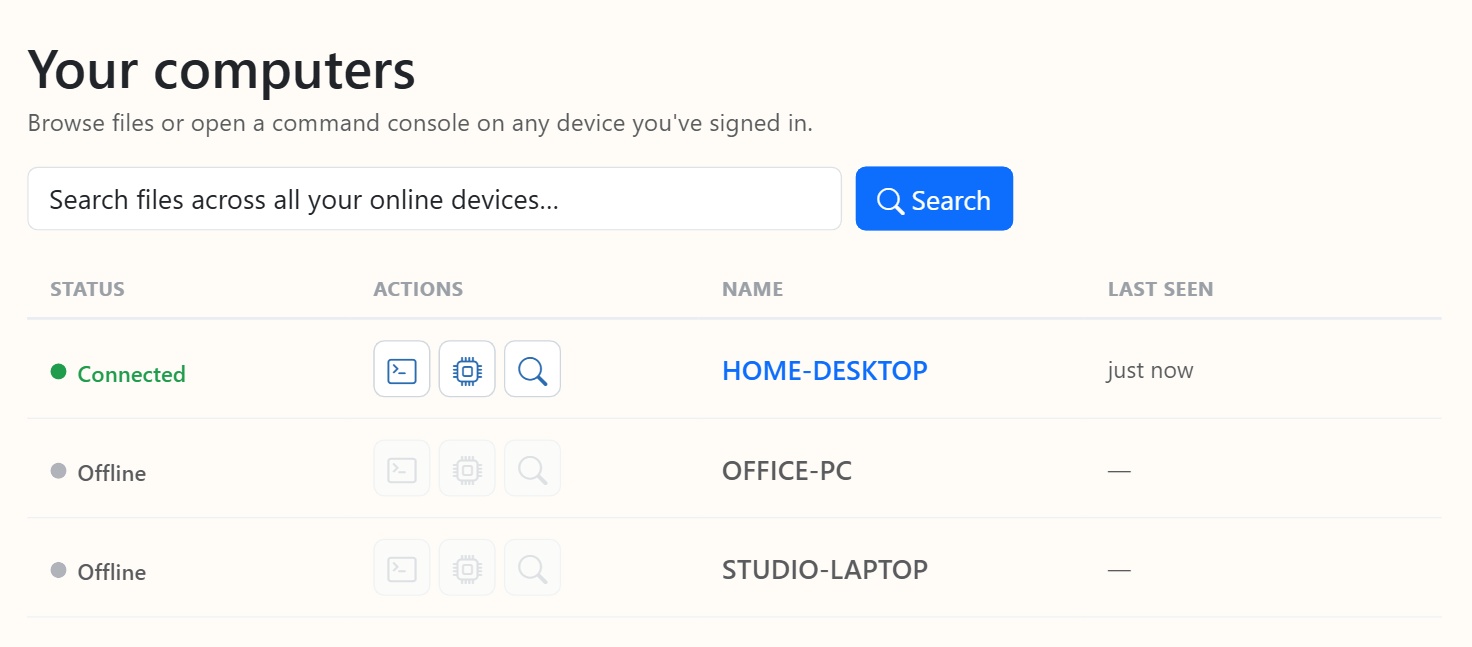
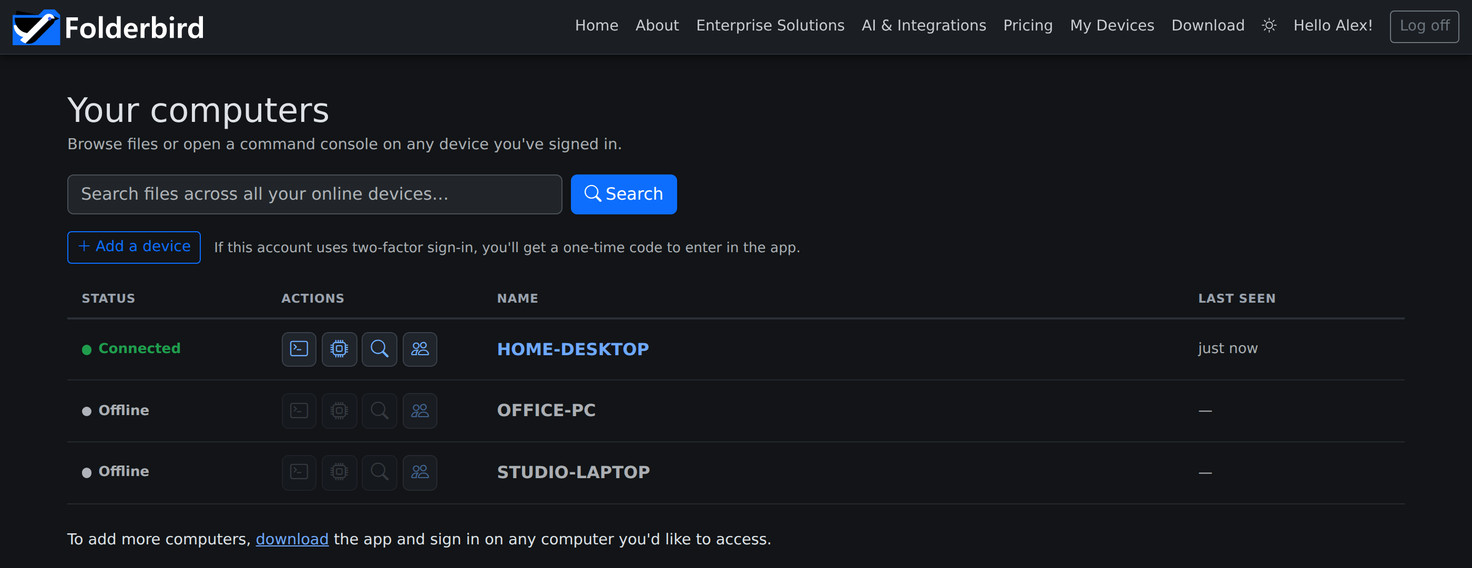
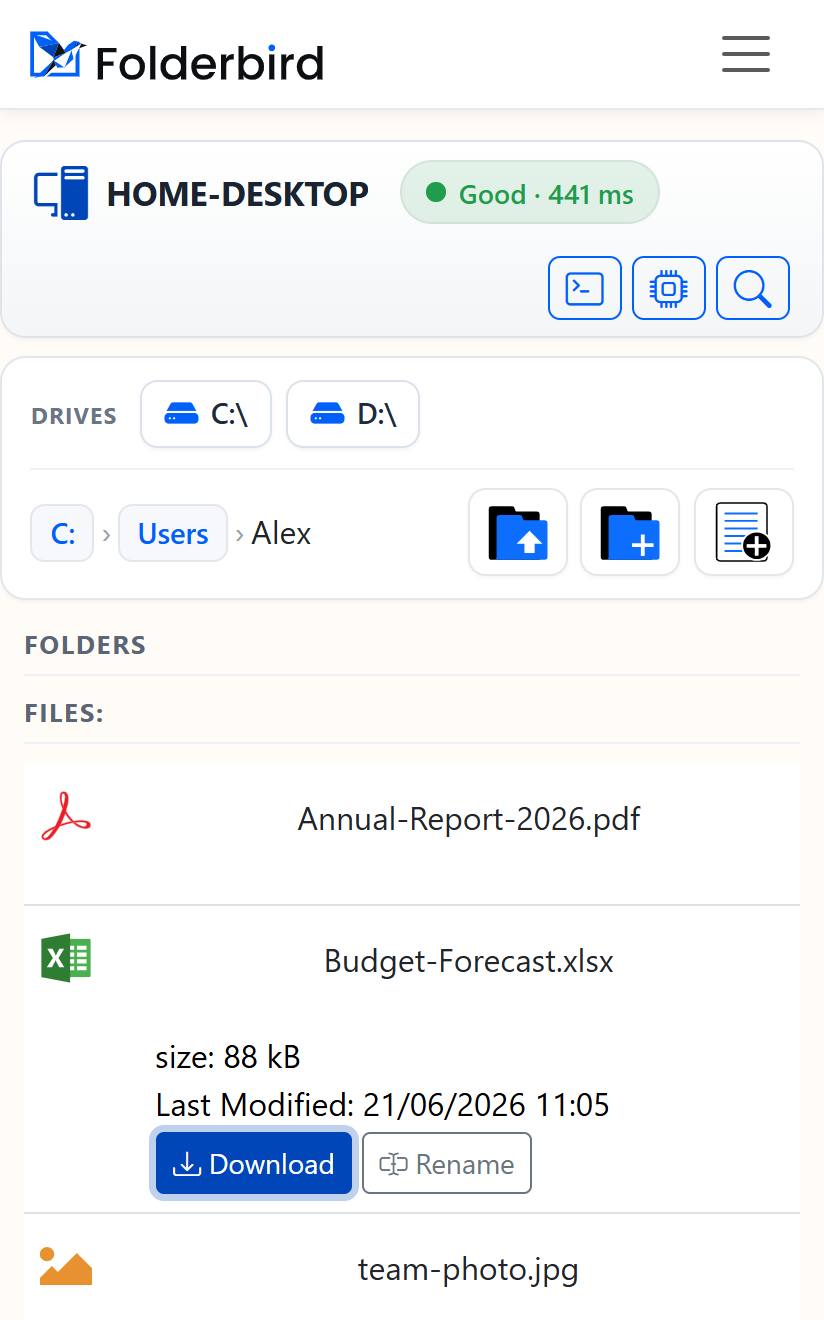
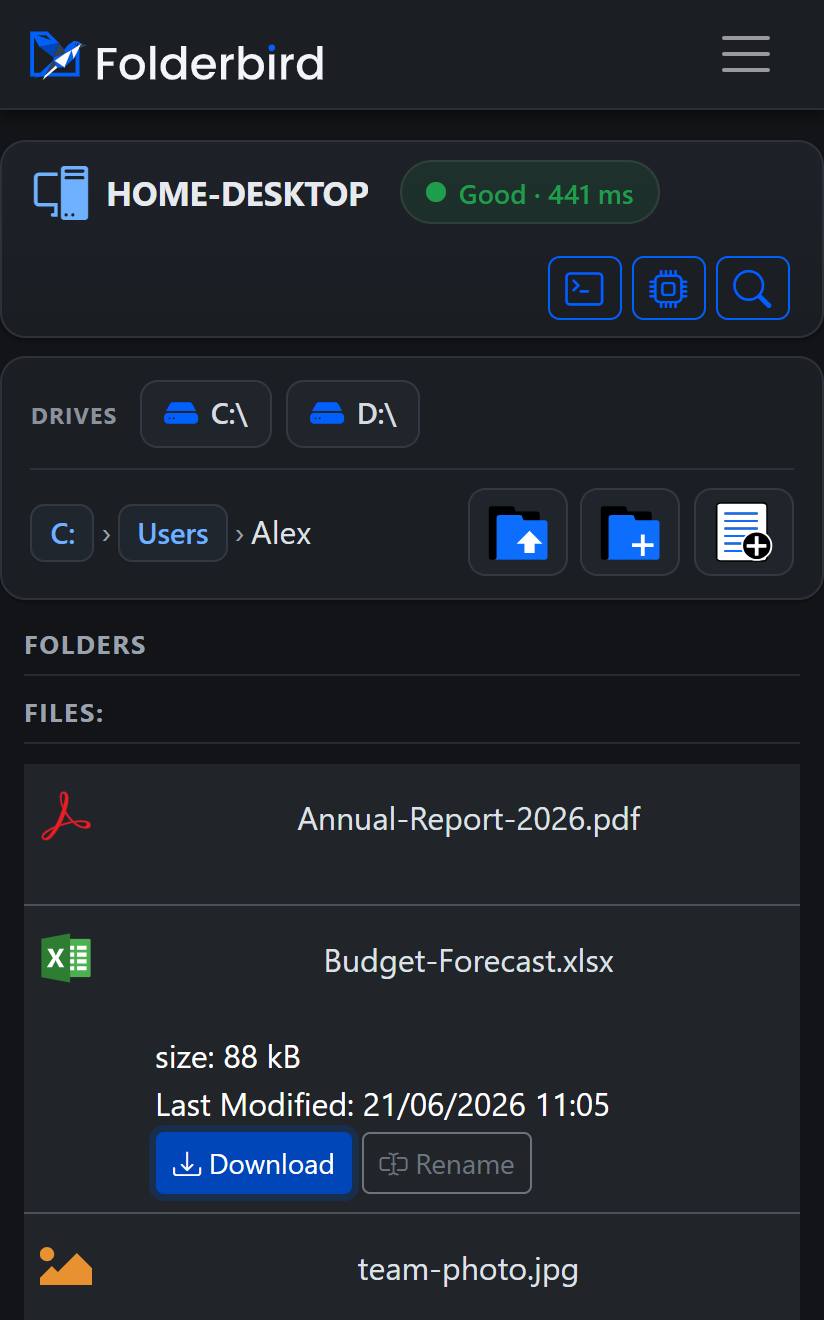
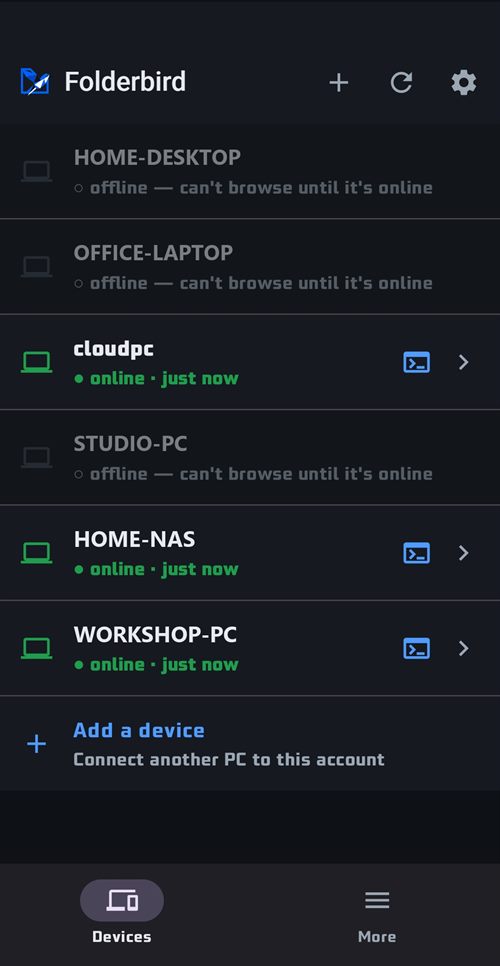
Every PC you've signed in shows up with a live online indicator — jump into any one straight from the browser, or hand it to an AI agent.
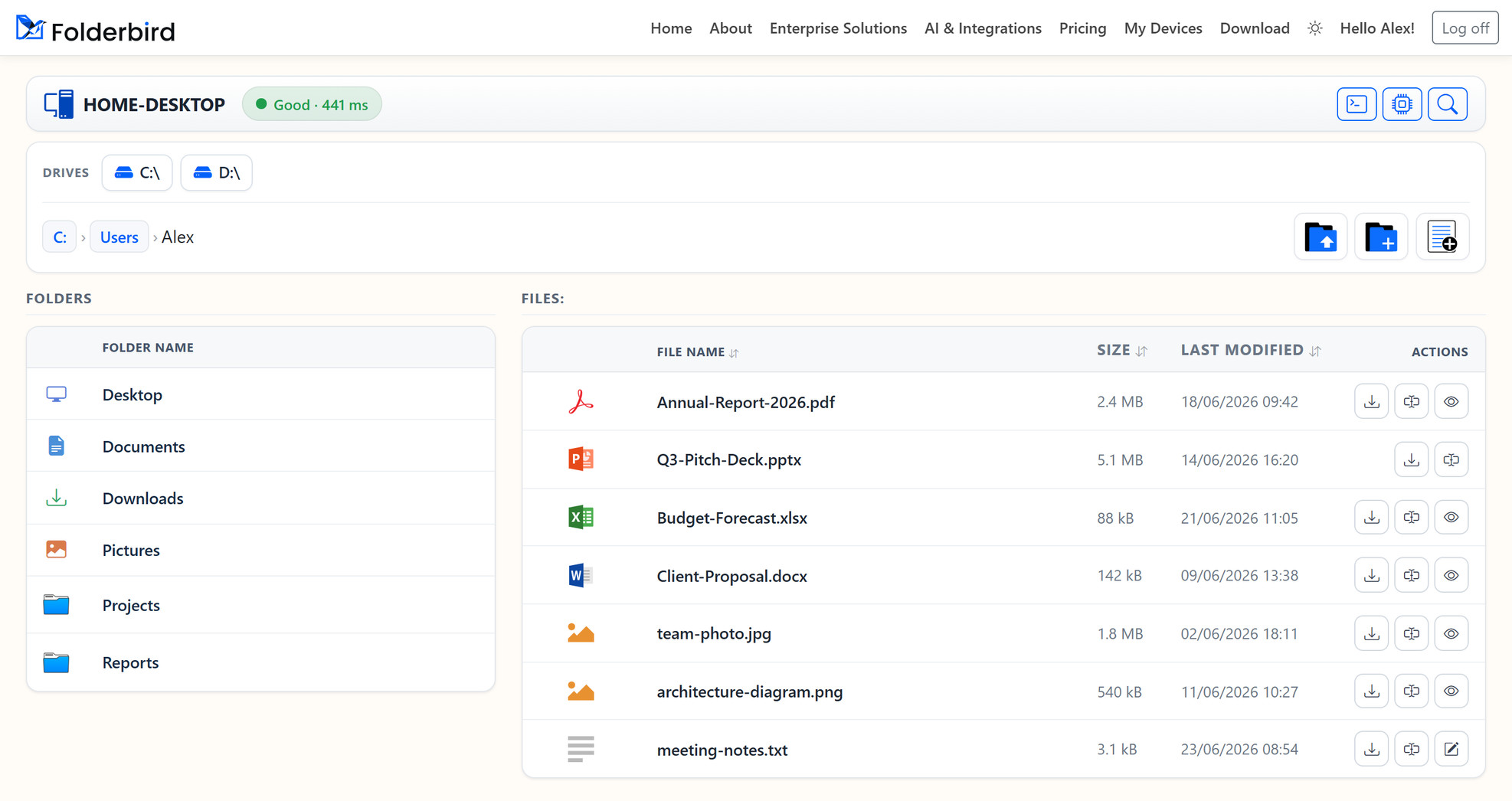
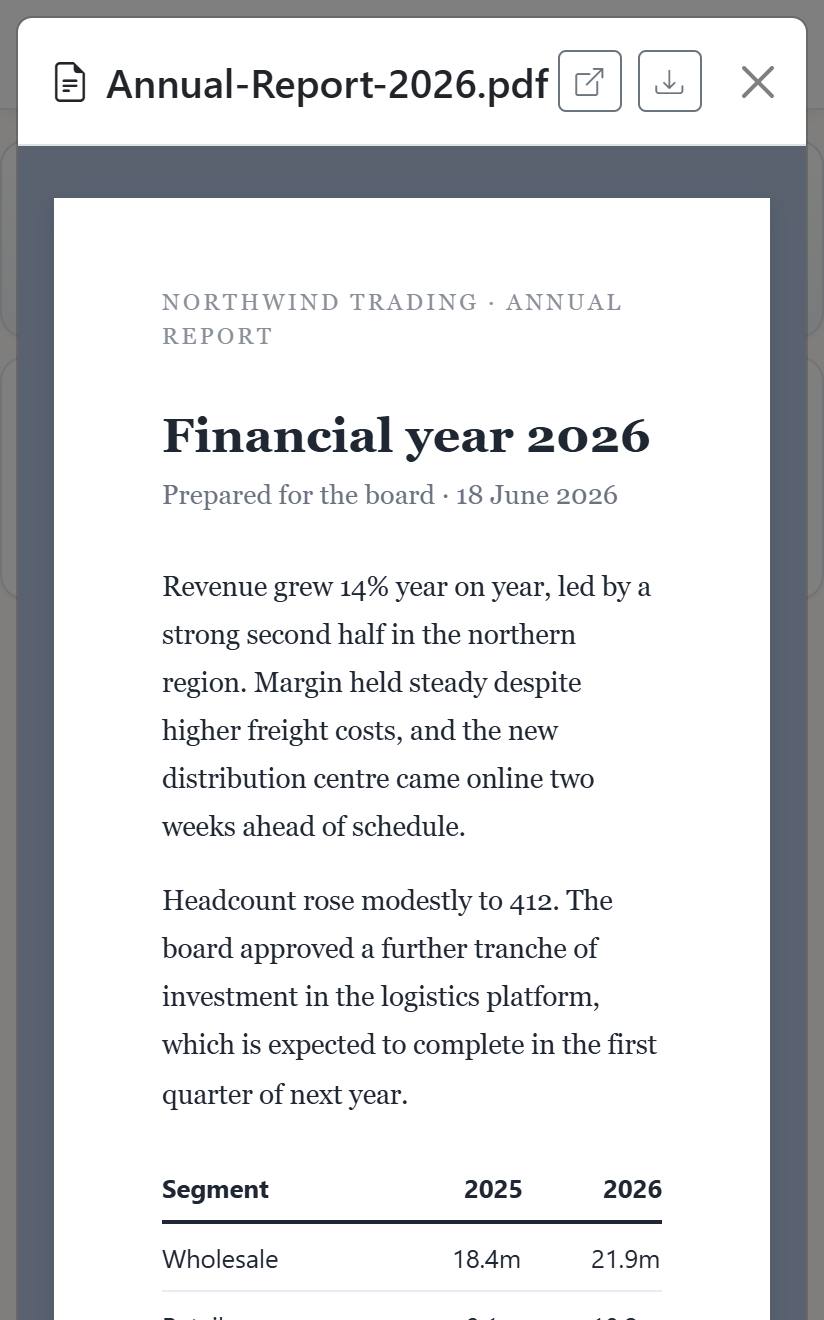
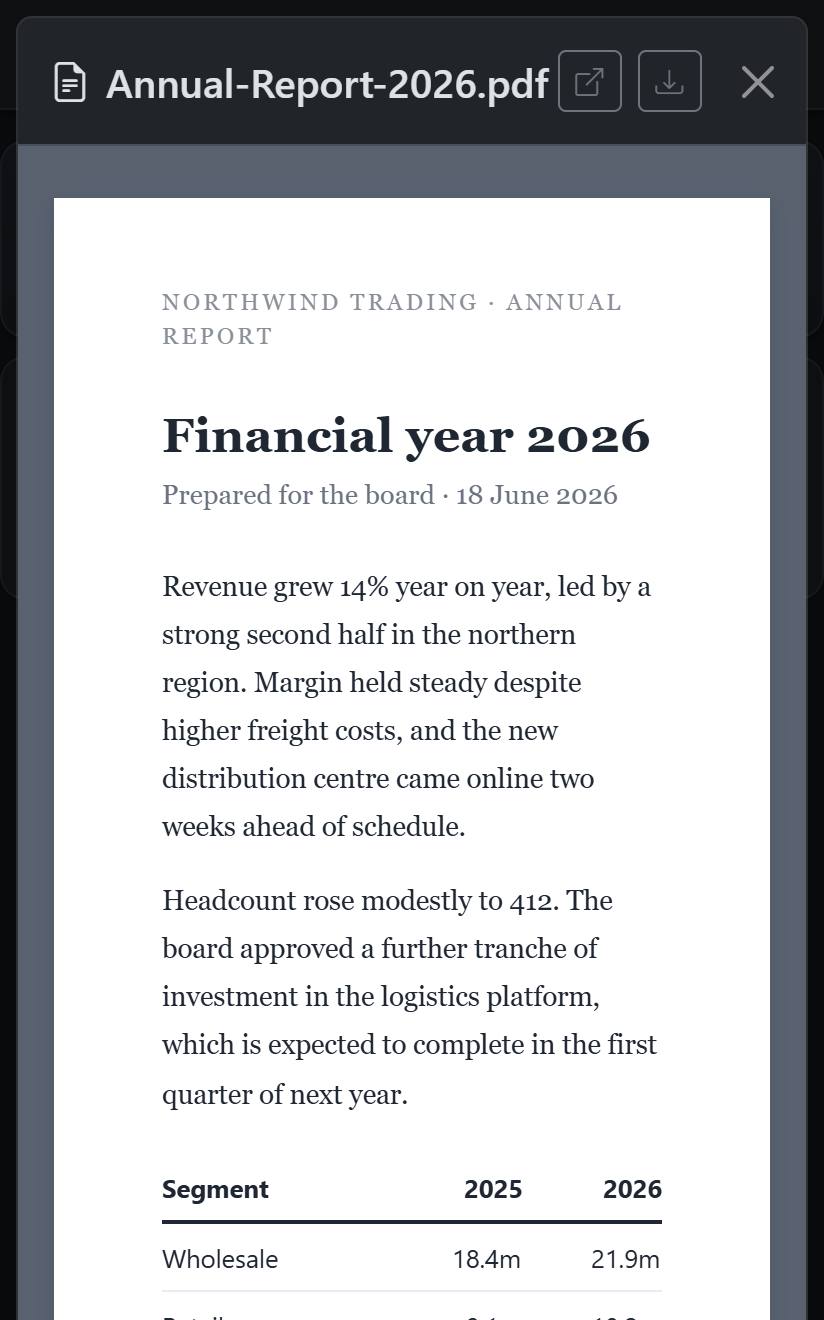
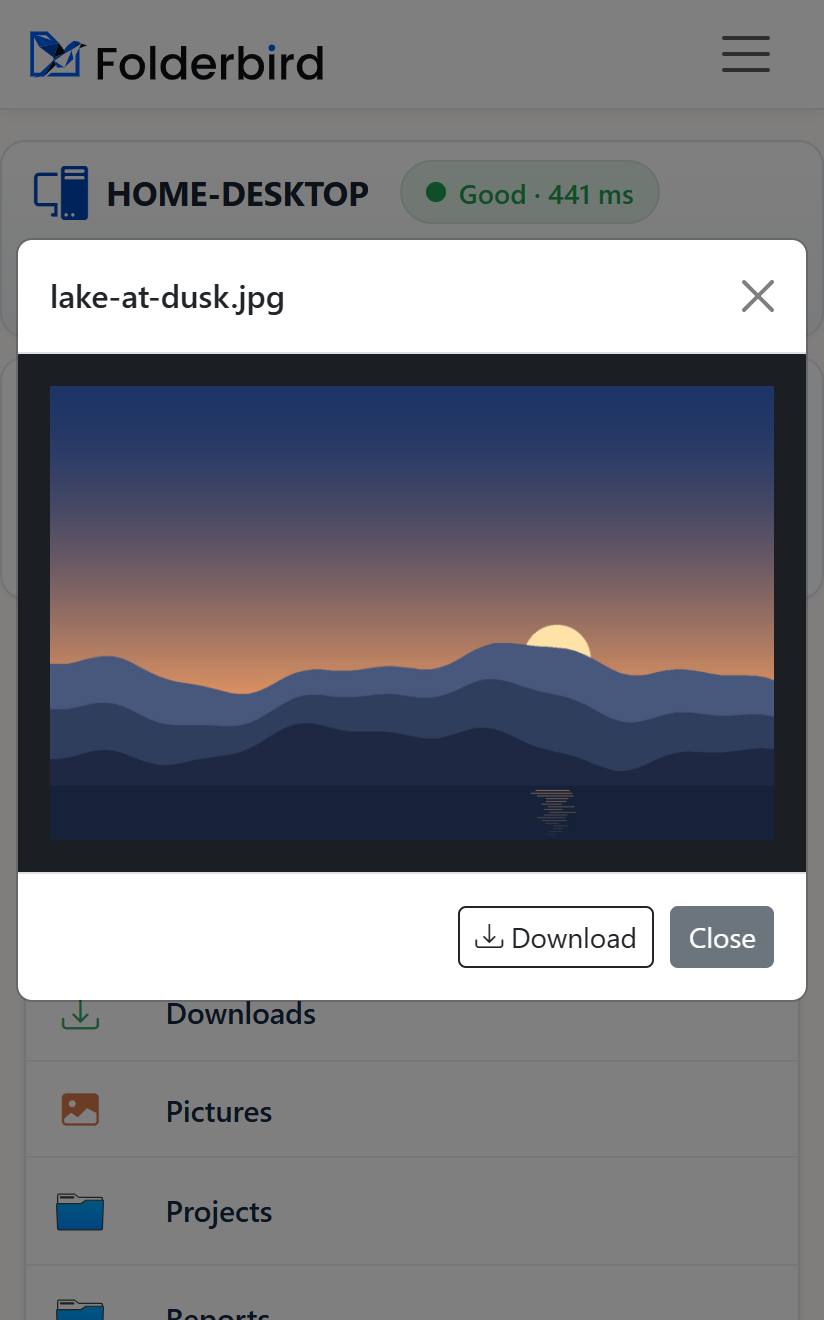
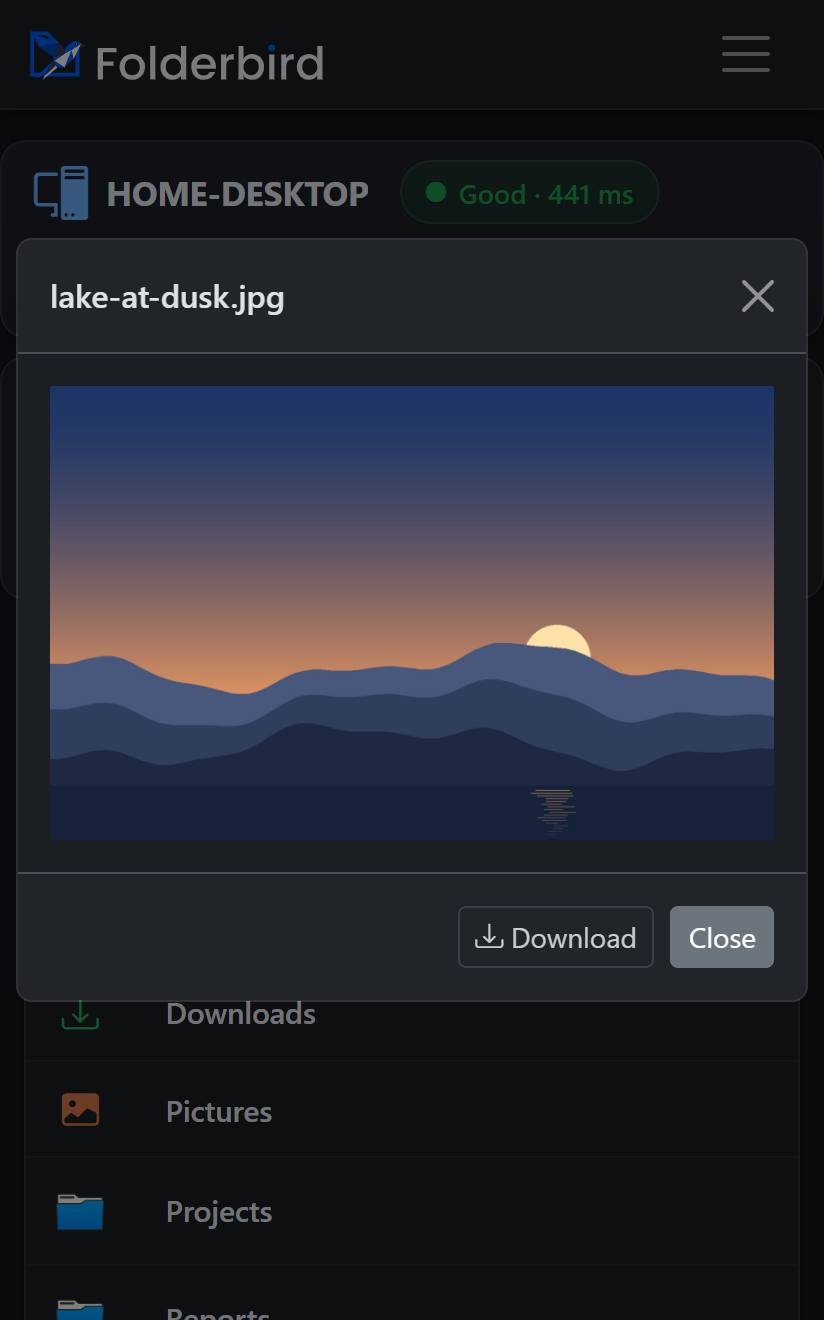
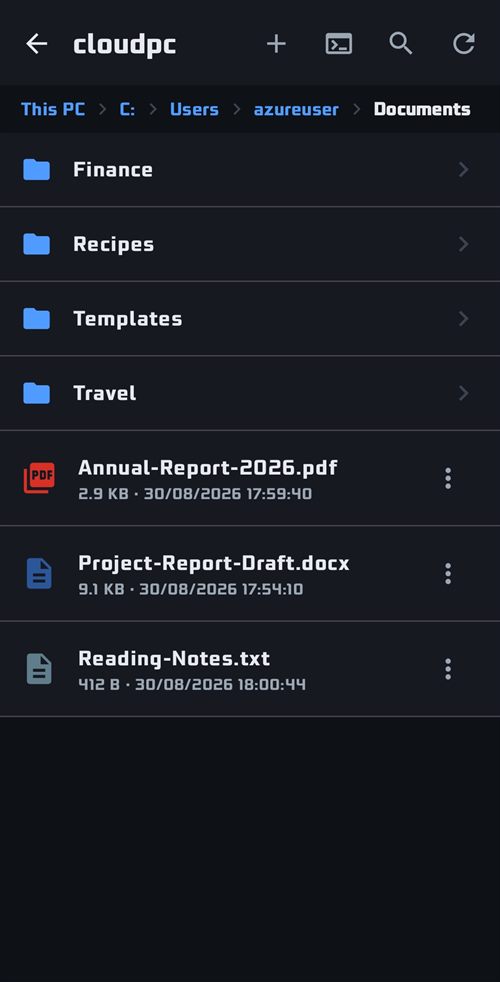
Search all your devices at once — by file name or by what's inside — with inline preview of images, text, PDFs and Office files, and one‑click download.
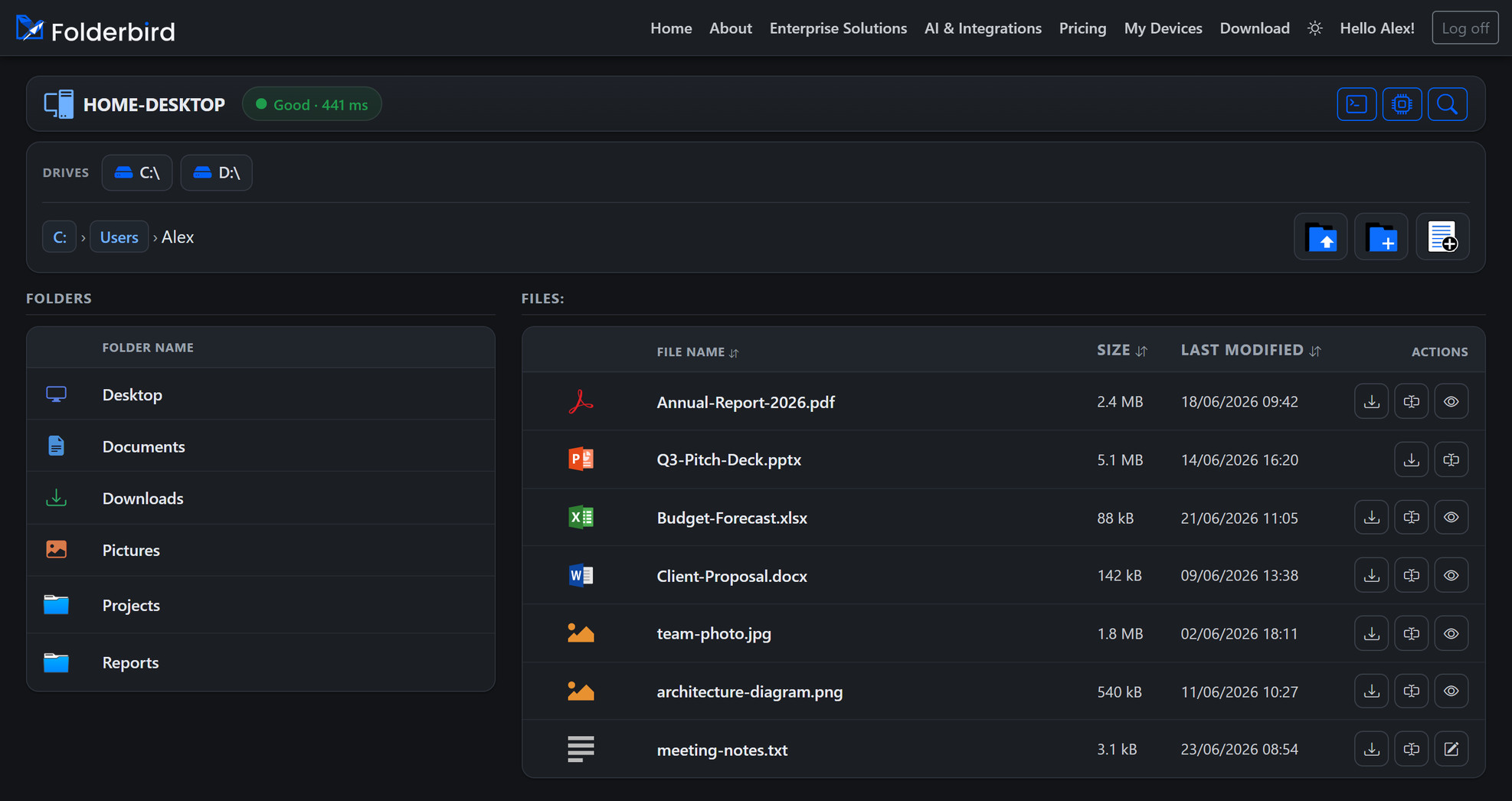
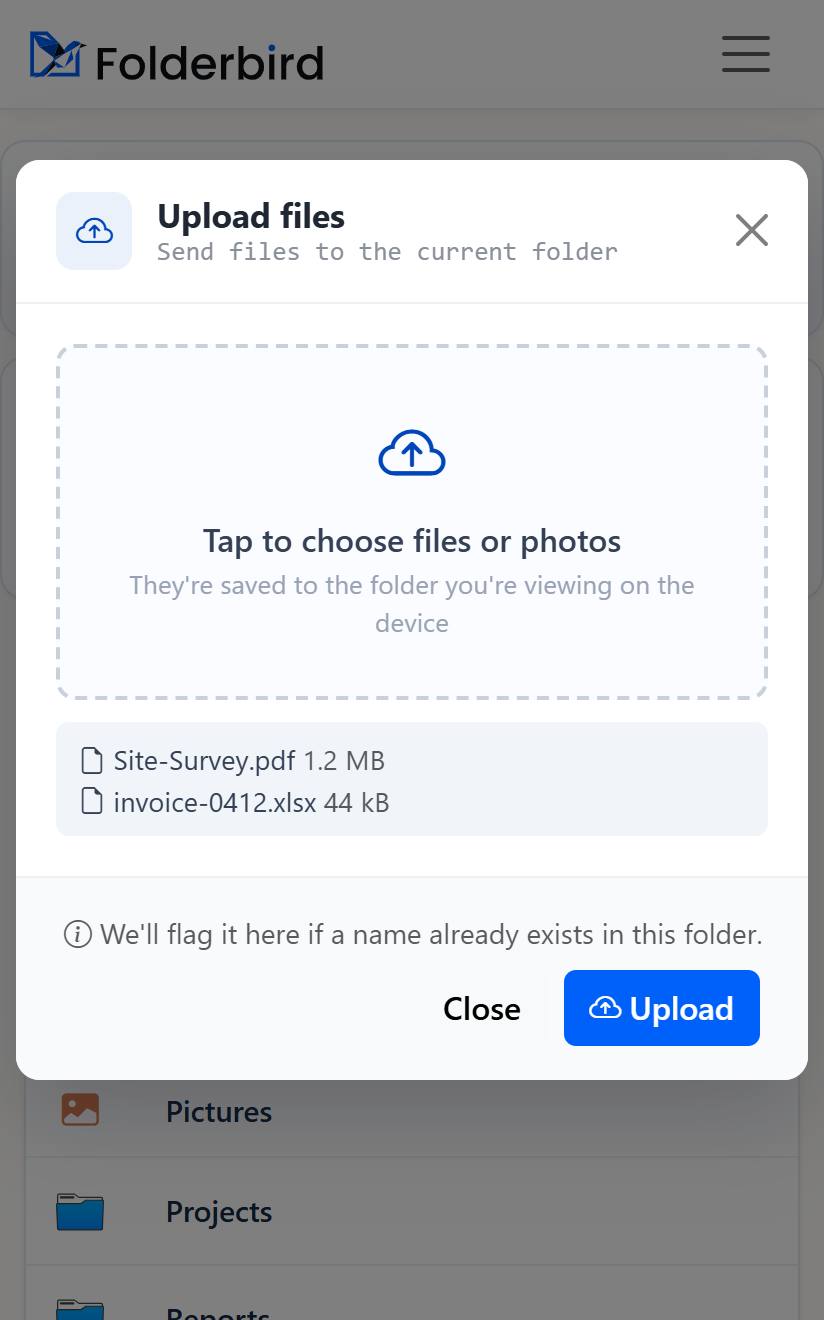
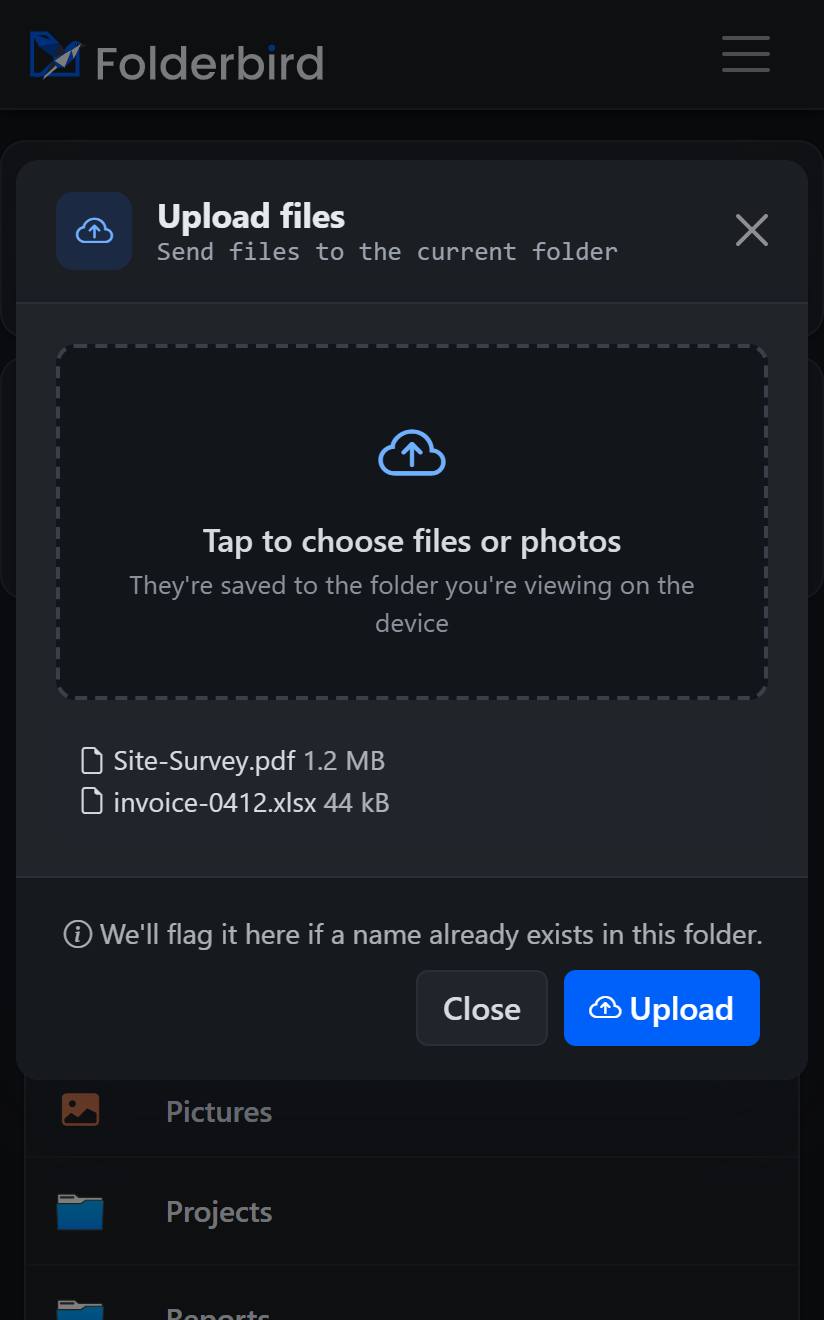
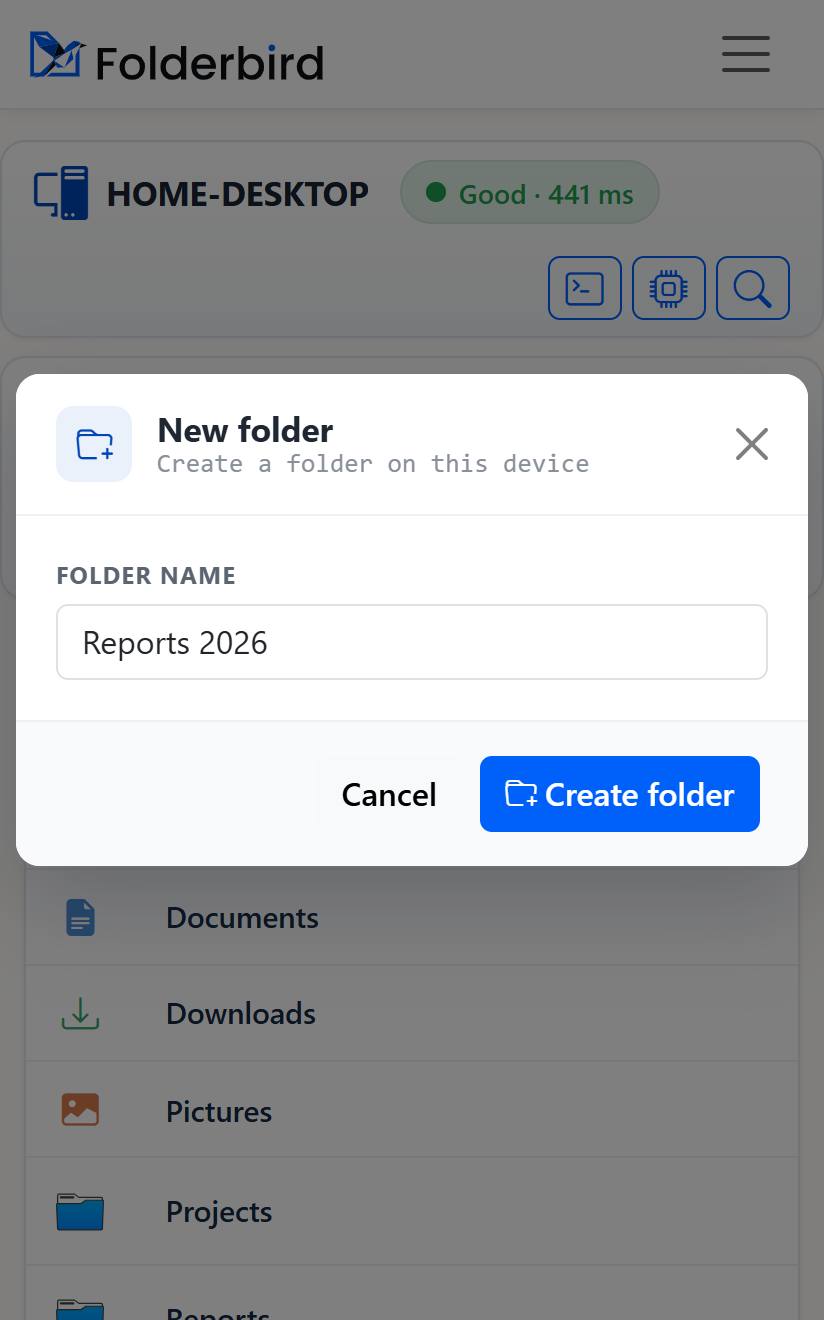
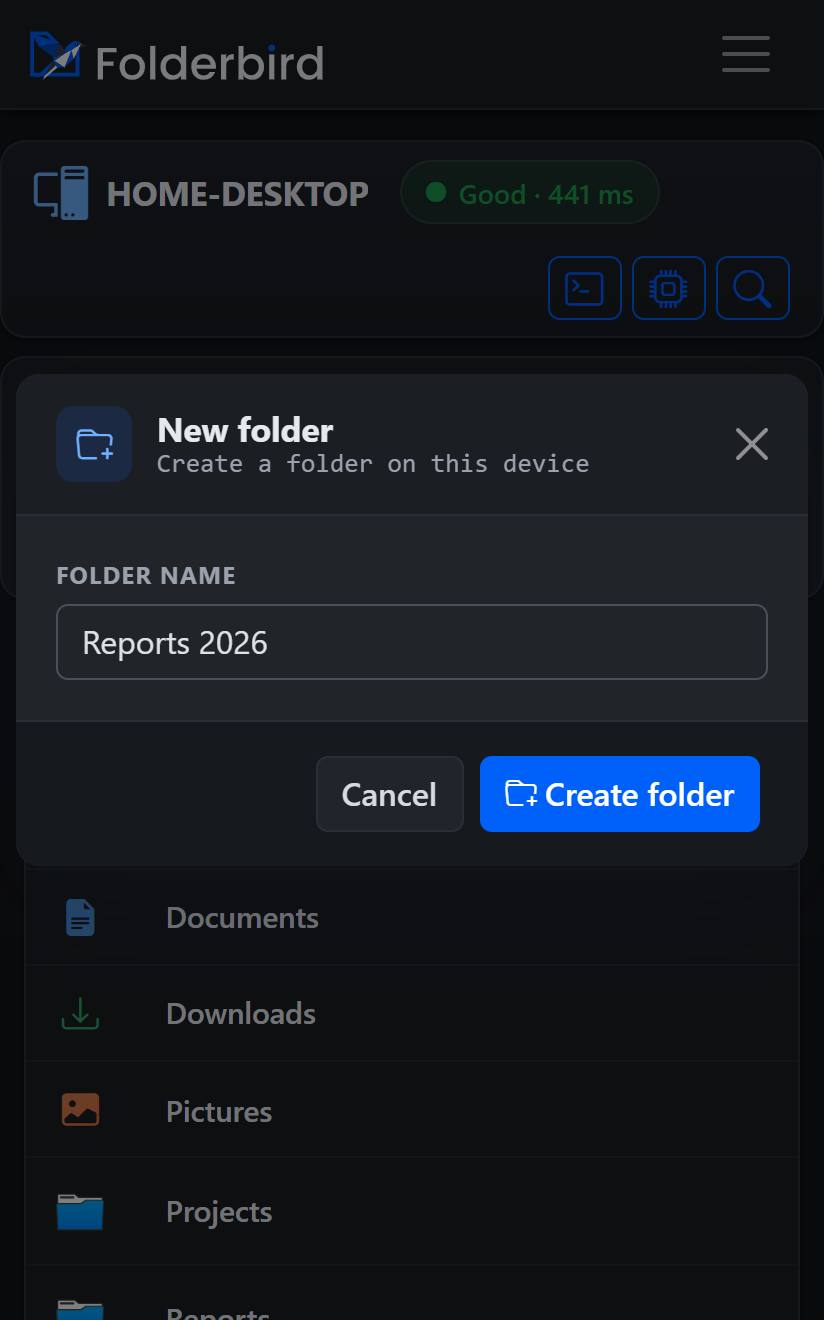
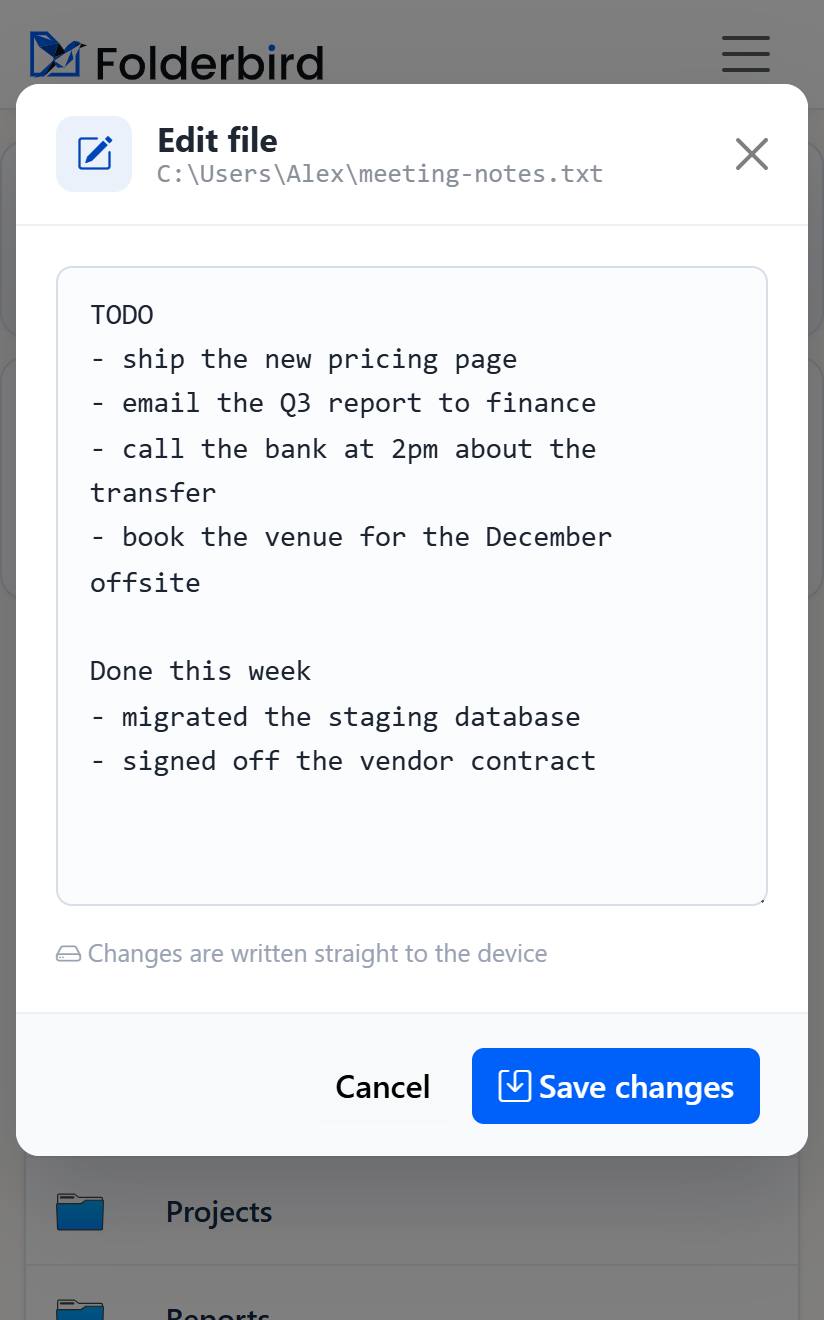
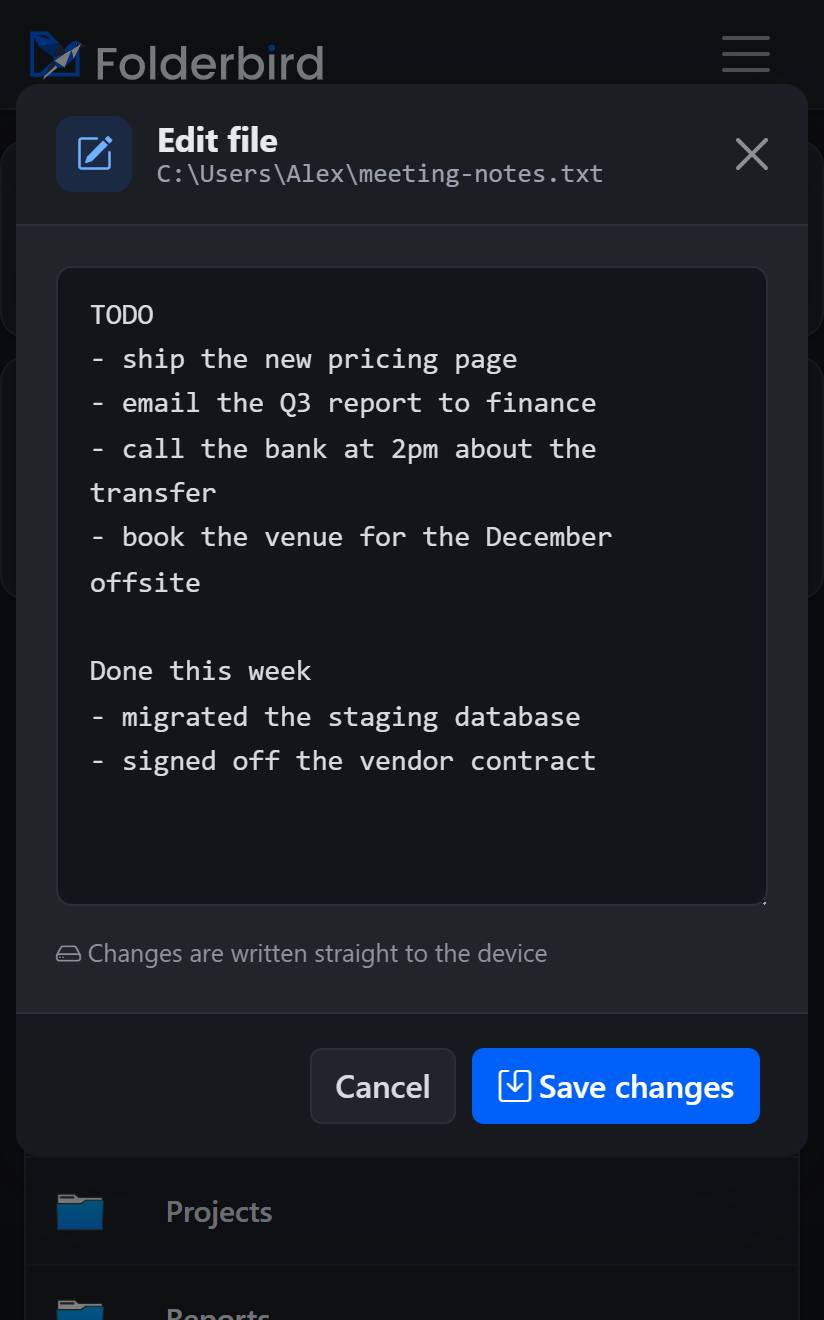
Upload files to any PC, download anything back, spin up folders, and create or edit text files — every everyday file action, in the same dialogs you'd use sitting at the desktop.
Open a live command line on any of your machines — cmd or PowerShell — straight from the browser. Run anything, watch the output stream back, and download the full transcript.
Optional power‑user tools for trusted devices. Automate your files with a REST API, or let an AI agent use the built‑in MCP connector — both scoped, audited, and revocable.
# list the devices this key may reach GET /api/v1/devices Authorization: Bearer fbk_live_•••• → 200 OK { "devices": [ { "id": 38, "name": "HOME-DESKTOP", "status": "online" } ] } # find a file, then fetch it GET /api/v1/devices/38/search?q=invoice GET /api/v1/devices/38/files/download?path=…
See the PCs this key can reach.
Find files by name or content.
Read text inline, or fetch any file.
Create or edit a text file.
Make folders, send any file.
cmd / PowerShell — opt‑in per key.
FolderBird is a door to the computer you already own — not a company holding your files. The security model is the whole point.
There's no FolderBird storage. Your files stay on your own machine — we only pass them to you, on demand.
Real file paths are encrypted before they ever touch a URL — they never show up in links, server logs, or history.
Every device is signed in by you. Apps and AI agents get scoped, revocable keys — and only see what you grant.
OAuth 2.1 for the AI connector, per‑key device binding, and a full audit log of every command run.
An agent can browse and fetch — but only the devices and actions your key permits, and only when you ask.
Kill an API key or disconnect the connector instantly. Access stops the moment you say so.
The same control, from the phone in your hand — the real mobile screens.


Install the small app once, then reach your files from any browser — securely, and ready for your AI agents.